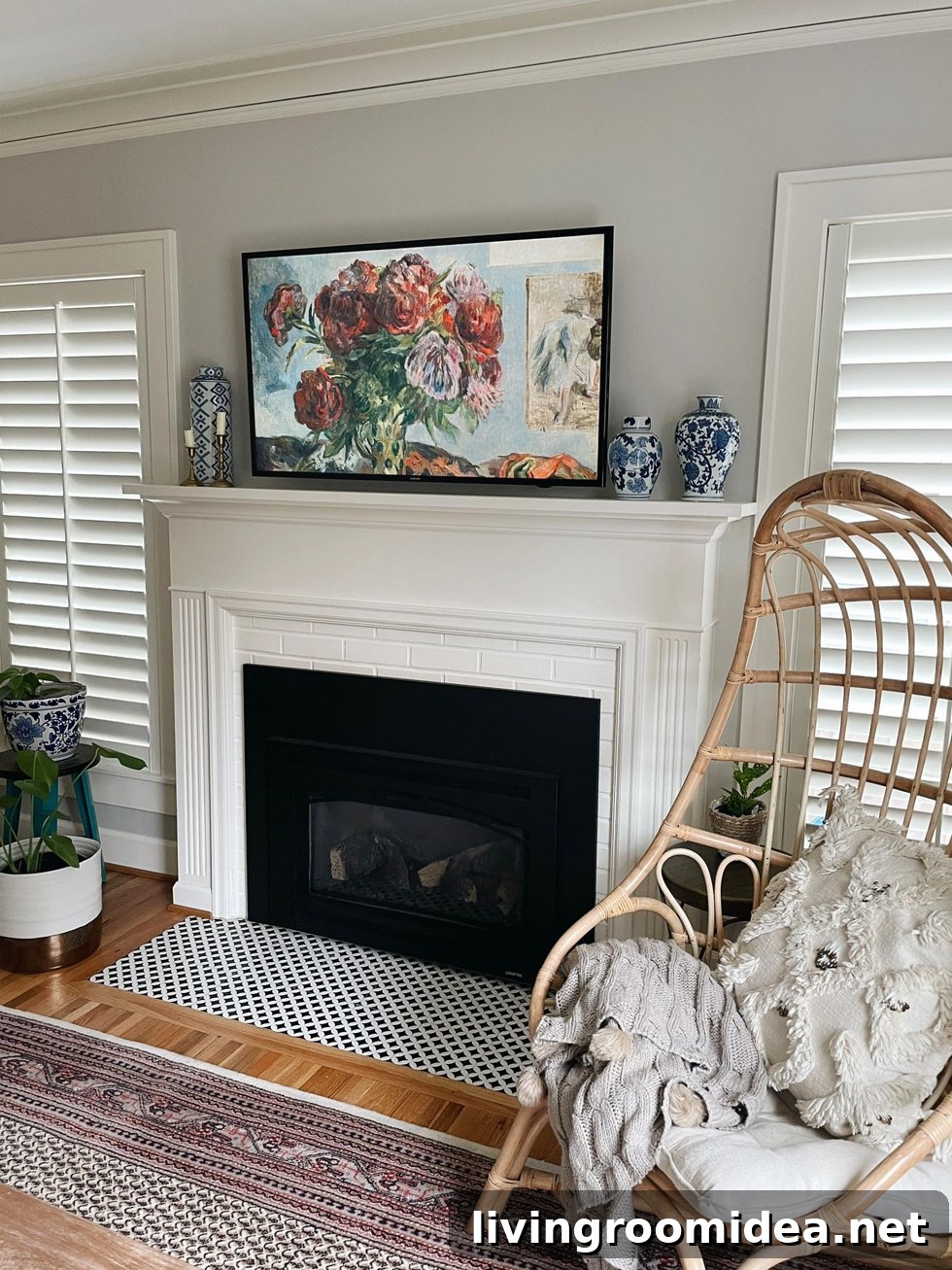
Hello! Kylee here. I recently discovered a simple way to make a TV above a fireplace look like art, and I wanted to share how I did it. After moving into our new home, my husband and I debated whether to keep a TV mounted above the fireplace. I wasn’t thrilled about the large black screen up there, while he preferred having a TV in that spot. Instead of insisting on replacing it immediately with a dedicated art-style display, I explored options to make our existing TV look more like a framed artwork.
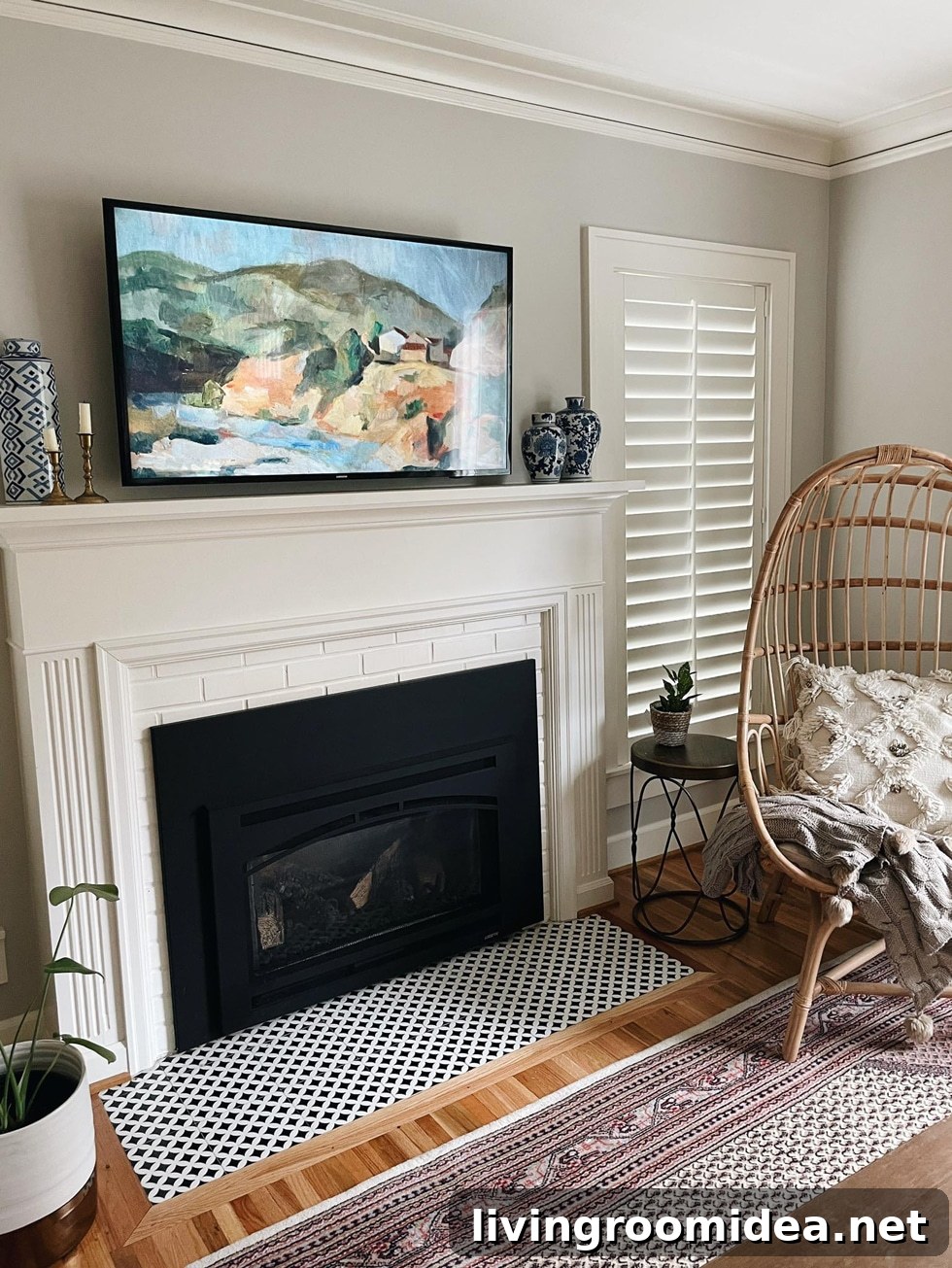
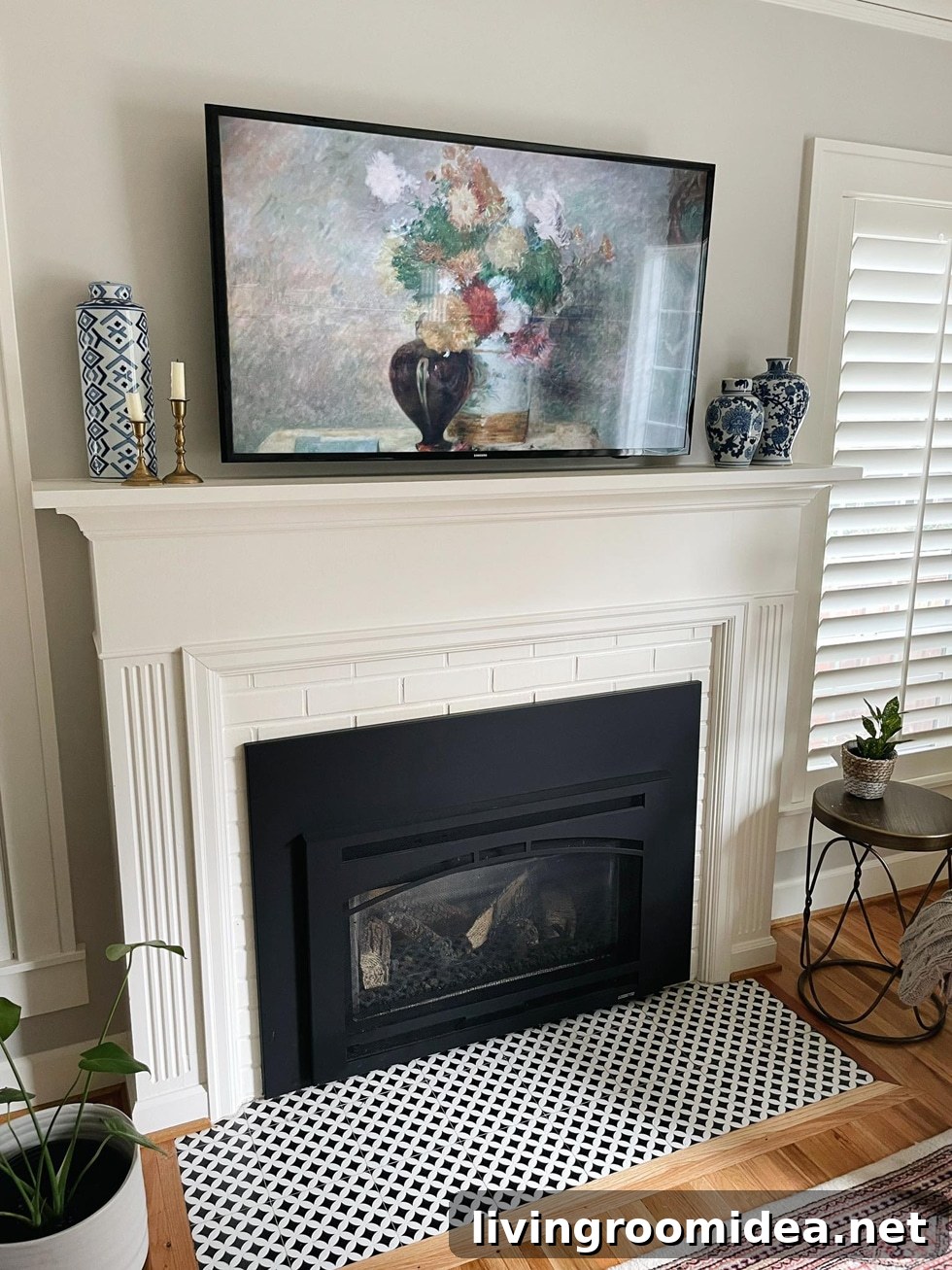
We left the TV mounted for now since the bracket was already installed, and I wanted a quick, attractive solution. I found that an Amazon Fire TV Stick can display art images as screensavers, which gives the TV a much more polished, gallery-like appearance. I downloaded a set of free art prints and uploaded them to my Amazon Photos collections so the Fire Stick could cycle through them as a screensaver. The result transformed the look of our living room and made the TV blend in as a decorative element instead of dominating the mantel.
How to set your Fire TV or Fire TV Stick screensaver
From the Amazon Photos mobile app:
- Open the Amazon Photos app and tap the “More” tab.
- Choose “Personalize Echo Show & Fire TV.”
- Select the Fire TV device you want to update.
- Enable Daily Memories or use “Add More Collections” to pick an existing collection as the screensaver.
Or directly from your Fire TV:
- Go to Settings, then select Display & Sounds.
- Open the Screensaver menu.
- Choose Current Screensaver and pick a collection of photos to display.
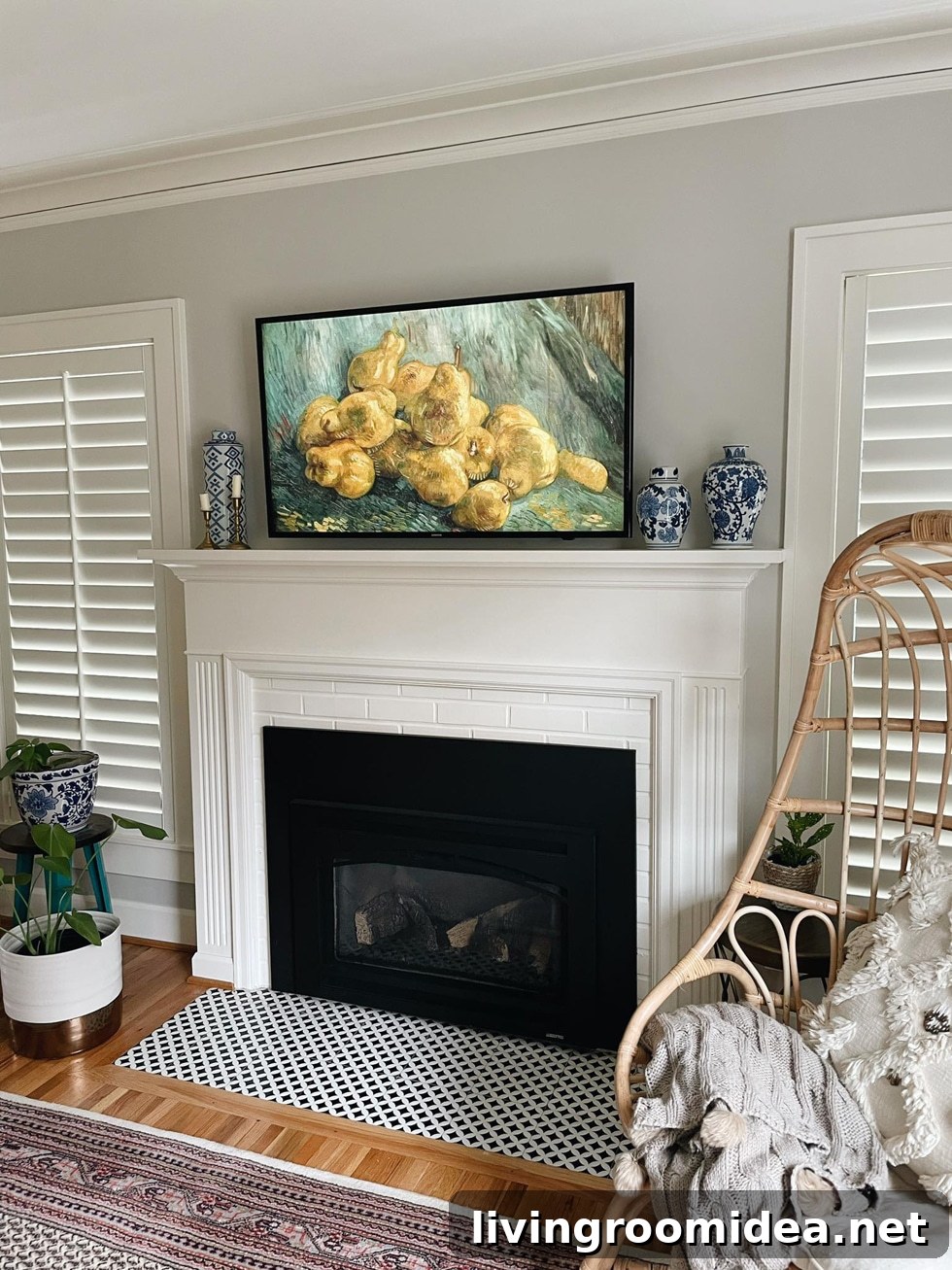
One caveat: the Fire TV Stick will enter sleep mode after a period of inactivity, which causes the screensaver to stop displaying. If you want the art to remain visible more consistently, you can adjust the device’s sleep behavior. There are straightforward guides and settings that explain how to prevent the stick from sleeping so the screensaver stays active longer.
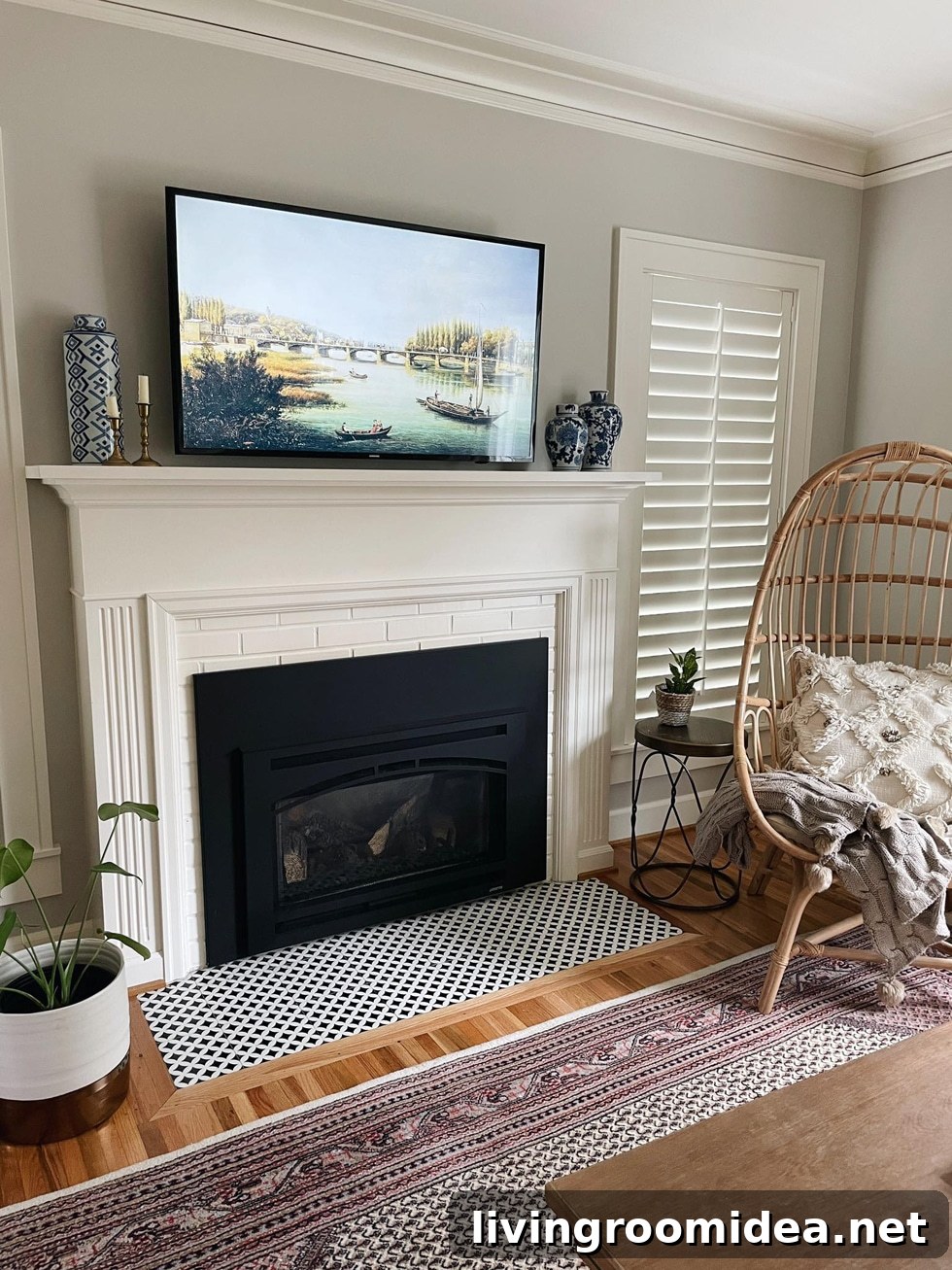
Beyond using screensavers, there are creative DIY frame options to make the TV look more like a traditional framed piece. If you prefer a more finished appearance, consider a custom frame that complements your mantel and room decor. I’m currently happy with the minimalist look, but a decorative frame might be a fun upgrade down the road.
If you want to try this trick, start by collecting artwork you love, upload it to Amazon Photos, and set that collection as your Fire TV screensaver. It’s an easy, budget-friendly way to integrate a TV into your living space without committing to a specialty display right away.
Pin the image below to save this idea for later.