
Online paint color tool
MMy Colortopia has launched a handy online paint color tool called Color My Room. You can upload your own photos or choose one of their room images, then experiment with Glidden paint colors directly on the photo. It’s an easy, creative way to preview color choices before you commit to painting.
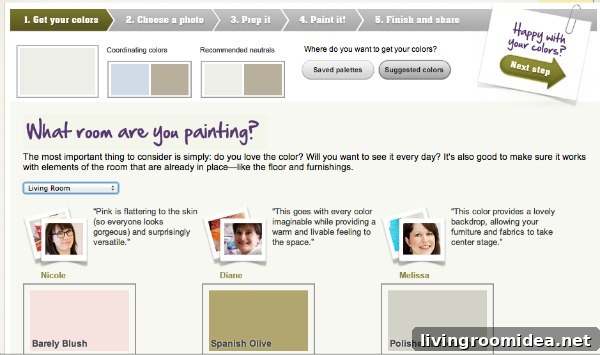
When you use the tool you might see my face appear as a tip or suggestion — I write for My Colortopia, so that’s why I’m featured there. The tool itself is straightforward: pick paint colors, move to the next step, outline the areas you want to change with guiding lines, and then fill those areas to see the result.
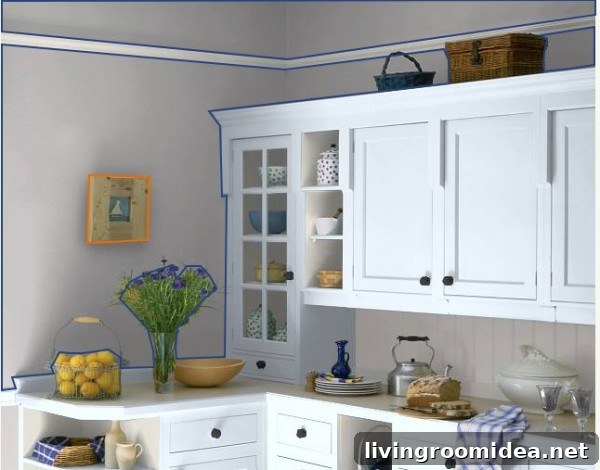
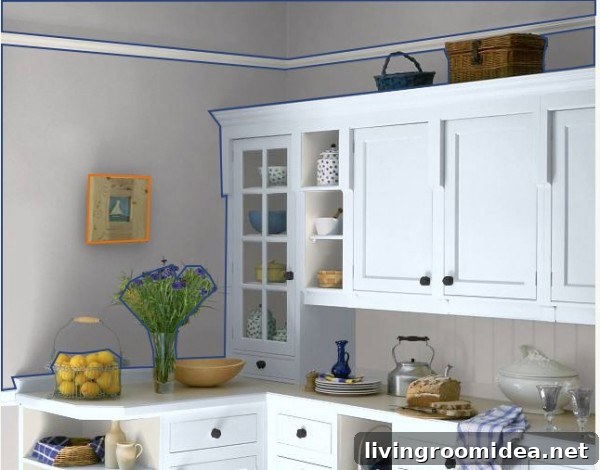
I tested it using one of the kitchen photos provided. The process makes it simple to try different shades on walls, cabinets, trim, or other surfaces so you can see how each color shifts the room’s mood.
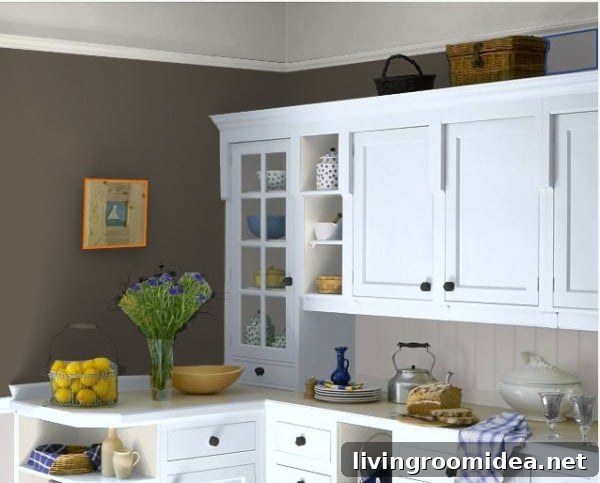
Watching the same kitchen change with different palettes was surprising — some colors made the space feel cozy and dramatic, while others kept it bright and airy.
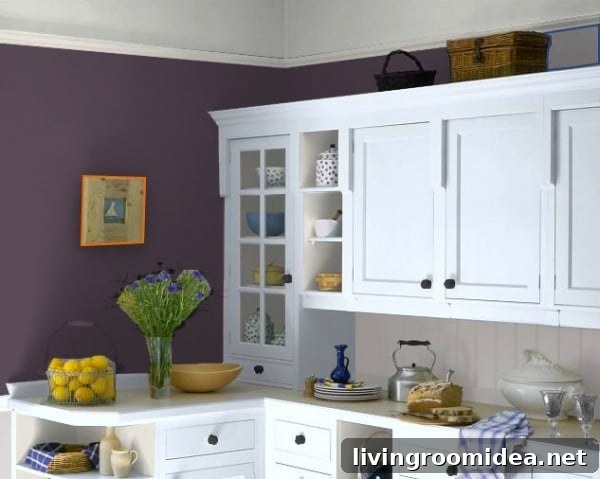
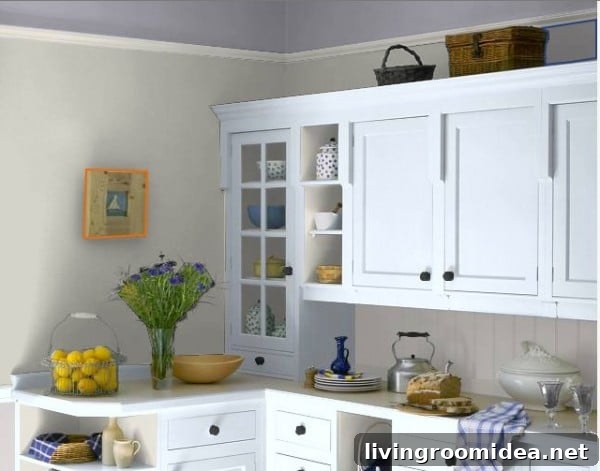
I even experimented with ceiling colors — it’s a fun way to explore less common choices without the hassle of actual painting. Trying a soft tint overhead can subtly change the perceived height and ambiance of the room.
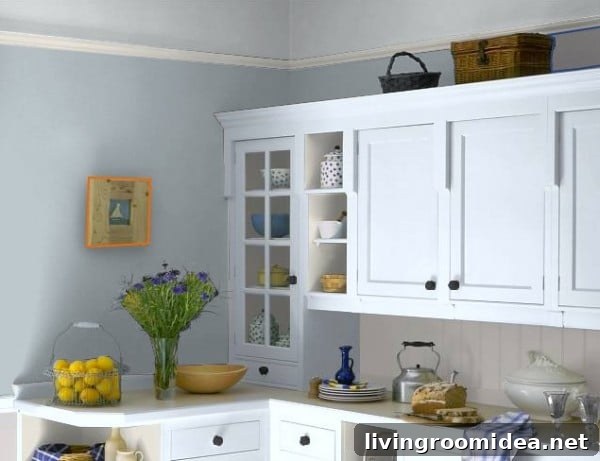
It’s easy to get carried away with possibilities. The interface encourages exploration, so you can quickly compare several looks and decide what appeals most.
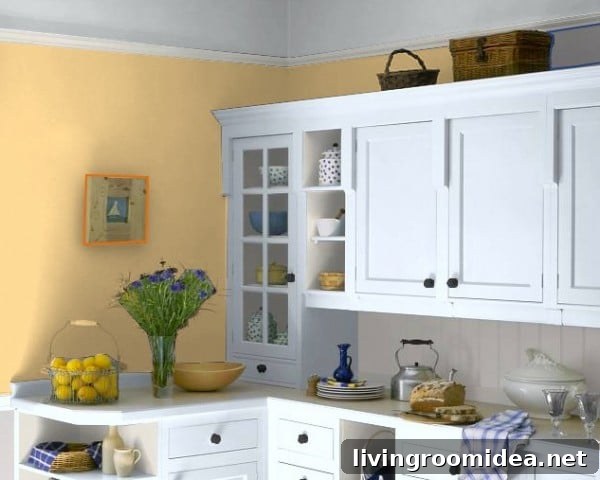
Using a virtual preview is much less time-consuming and expensive than painting and repainting a real room. It’s a practical tool for homeowners, designers, or anyone who wants to play with color ideas first.
Give the Color My Room tool a try — it’s a fun and useful way to explore paint colors.
I was sponsored by Glidden® paint for this post, but the opinions expressed are my own.