
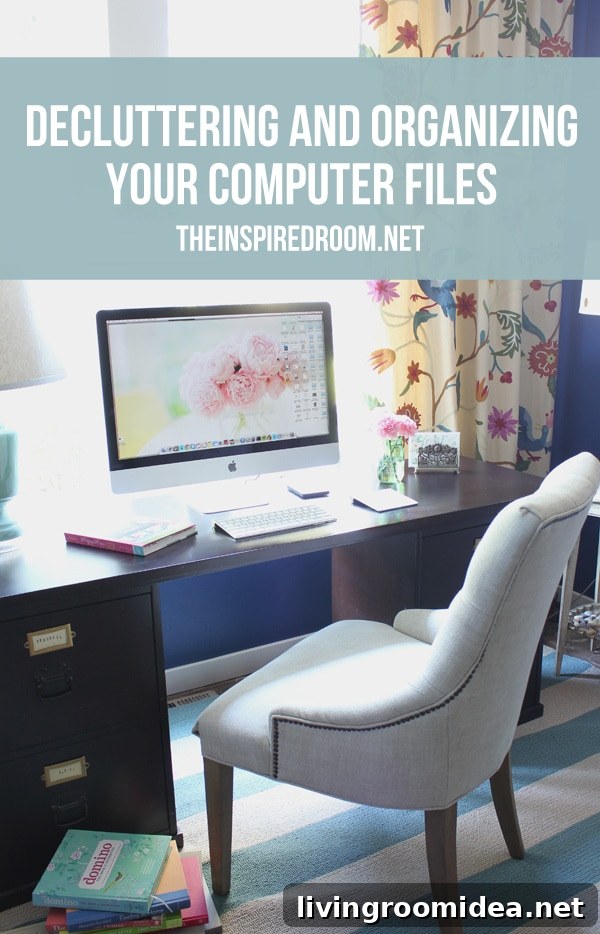
One of my main goals this year is to bring the same order I’ve created in my home to my computer. In the past I stored photos in scrapbooks and shoeboxes; today most of our pictures, documents and important files live digitally. Anyone who’s ever lost treasured photos or critical documents knows how painful and time-consuming recovery can be, so it pays to organize and protect your digital files now.
Cluttered, disorganized computer files create constant frustration, lower productivity, and add unnecessary stress. Beyond that, excessive files and poor organization can even slow down your computer. No one needs that kind of hassle.
If you’re a visual person like I am rather than a tech expert, cleaning up your digital life can feel overwhelming. The good news is that simple, consistent habits go a long way toward keeping files tidy, easy to find, and safe.
Here are practical, easy-to-follow steps to declutter and organize your computer files:
- Start with a plan: Decide on a logical folder structure that fits how you work. Common top-level folders include Photos, Documents, Finances, Work, and Personal. Keep the structure shallow—two or three levels deep is usually enough.
- Use clear, consistent naming: Name files in a predictable way so you can find them without opening each one. Include dates using YYYY-MM-DD when relevant and add short descriptors like “taxes,” “vacation,” or “invoice.”
- Delete duplicates and junk: Remove outdated drafts, duplicate photos, installer files you no longer need, and anything else that serves no purpose. This frees space and reduces search time.
- Consolidate photos: Gather images from phones, cameras, and cloud accounts into one main Photos folder. Sort by year and then by event or month. Consider culling similar shots to keep only the best.
- Use tags and metadata: When your operating system supports tags or keywords, use them to make searching easier across folders. Add descriptions to important photos and documents when possible.
- Back up regularly: Set up automatic backups to an external drive or a reliable cloud service. Having at least two copies—one local and one offsite—protects against hardware failure and accidental loss.
- Automate what you can: Use simple sync tools and automatic import settings for photos and documents to reduce manual work. Automation keeps new files flowing into the right places.
- Create an archive: Move older, rarely accessed files to an Archive folder or a separate drive. This keeps your active workspace uncluttered while preserving historical items.
- Schedule maintenance: Set a recurring time—monthly or quarterly—to review and tidy files. Regular, small sessions prevent the mess from building up again.
- Protect sensitive information: Use strong passwords, enable full-disk encryption when available, and store highly sensitive documents in encrypted folders or secure cloud storage.
Organizing digital files is less about mastering complicated software and more about creating habits that you stick to. With a clear folder plan, consistent naming, regular backups, and periodic maintenance, your computer will stay faster and your important photos and documents will be safe and easy to find.
If you’re looking for more detailed examples or a printable checklist to guide your cleanup, consider listing the most-used folders and starting there. Tackle one category at a time—photos first, then documents, then downloads—and you’ll make steady progress without feeling overwhelmed.
Taking these simple steps now will save time and stress later, and it will help your computer feel as organized and functional as the rest of your home.