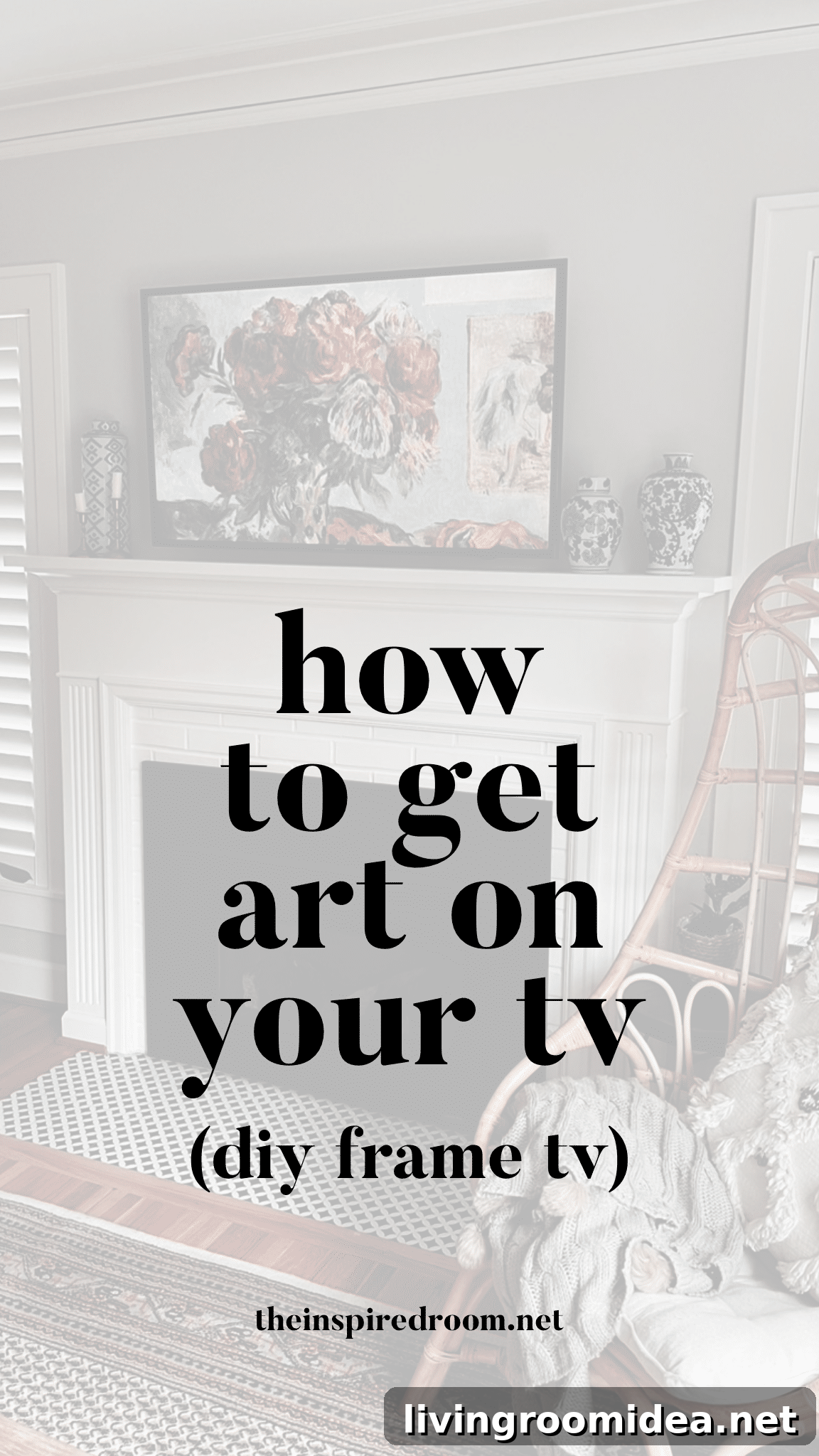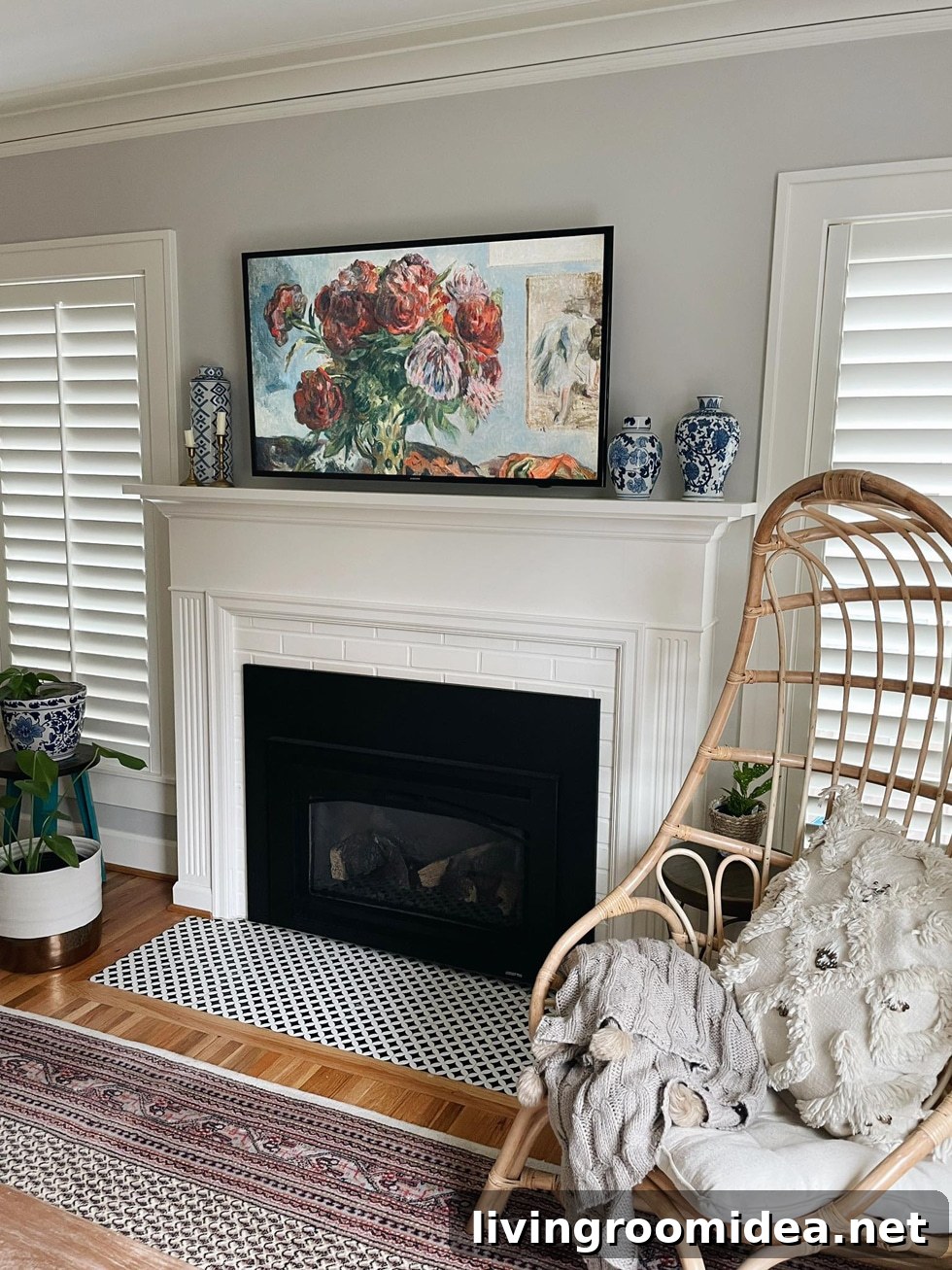
Hello! Kylee here. I recently discovered a simple hack that transformed the look of our living room, and I wanted to share it. When my husband and I moved into our new Cape Cod–style house, we debated whether to mount a TV above the fireplace. He wanted it there; I wasn’t sure, since we already have other TV areas and I didn’t love the idea of a large black screen over the mantel. I suggested a Frame TV because it looks like artwork, but we hadn’t made a final decision. In the end we hung the existing TV the previous owners left—it was convenient—and I started looking for ways to make it blend in more like art.
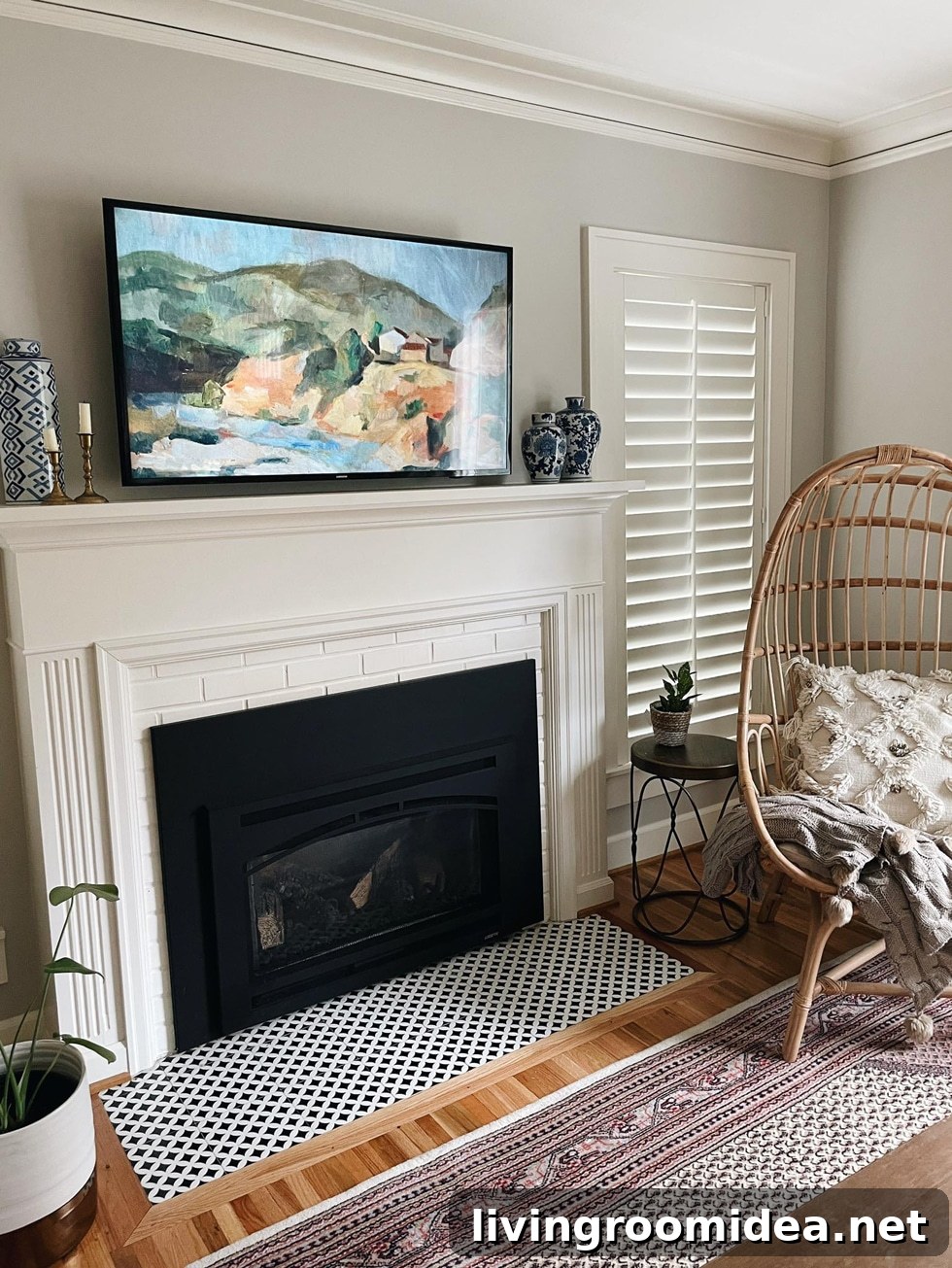
Instead of immediately upgrading to a Frame TV, I explored options to display artwork using our current set-up. I discovered you can use an Amazon Fire TV Stick to show artwork and photos as screensavers. There are many sources for downloadable art online; I used a set of free art downloads from Bless’er House and uploaded them to my Amazon Photos, then set those collections as the Fire TV screensaver. The change made a big difference—I’m much happier with how the living room looks, and I haven’t pushed the Frame TV idea with my husband yet.
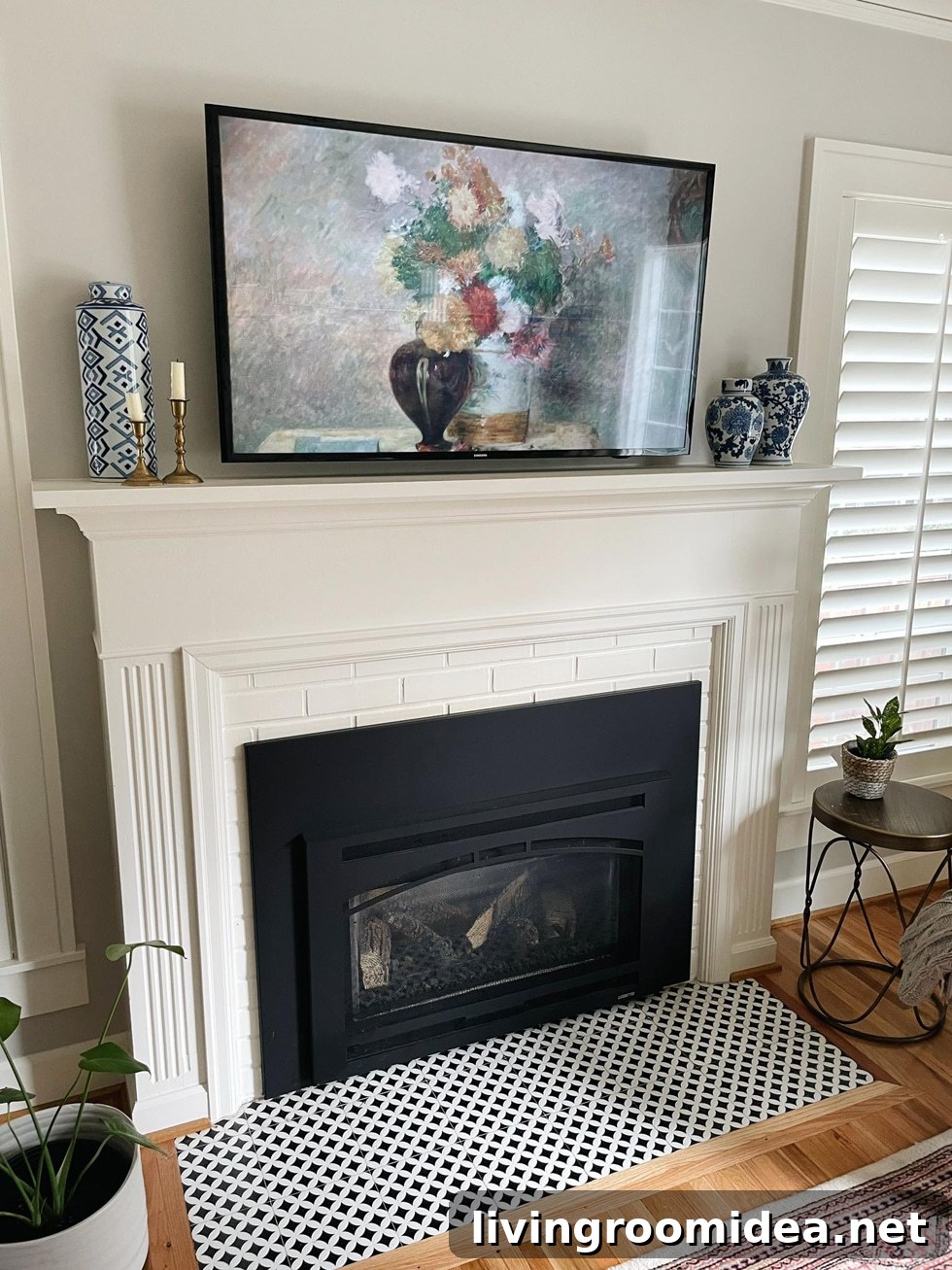
Set your Fire TV or Fire TV Stick screensaver
From the Amazon Photos mobile app
- Open the Amazon Photos app and tap the “More” tab.
- Choose “Personalize Echo Show & Fire TV.”
- Select the Fire TV device you want to personalize.
- Enable Daily Memories or tap “Add More Collections” to pick an existing collection for the screensaver.
Or from your Fire TV
- Go to Settings on the Fire TV and select Display & Sounds.
- Choose Screensaver.
- Select Current Screensaver and pick a photo collection.
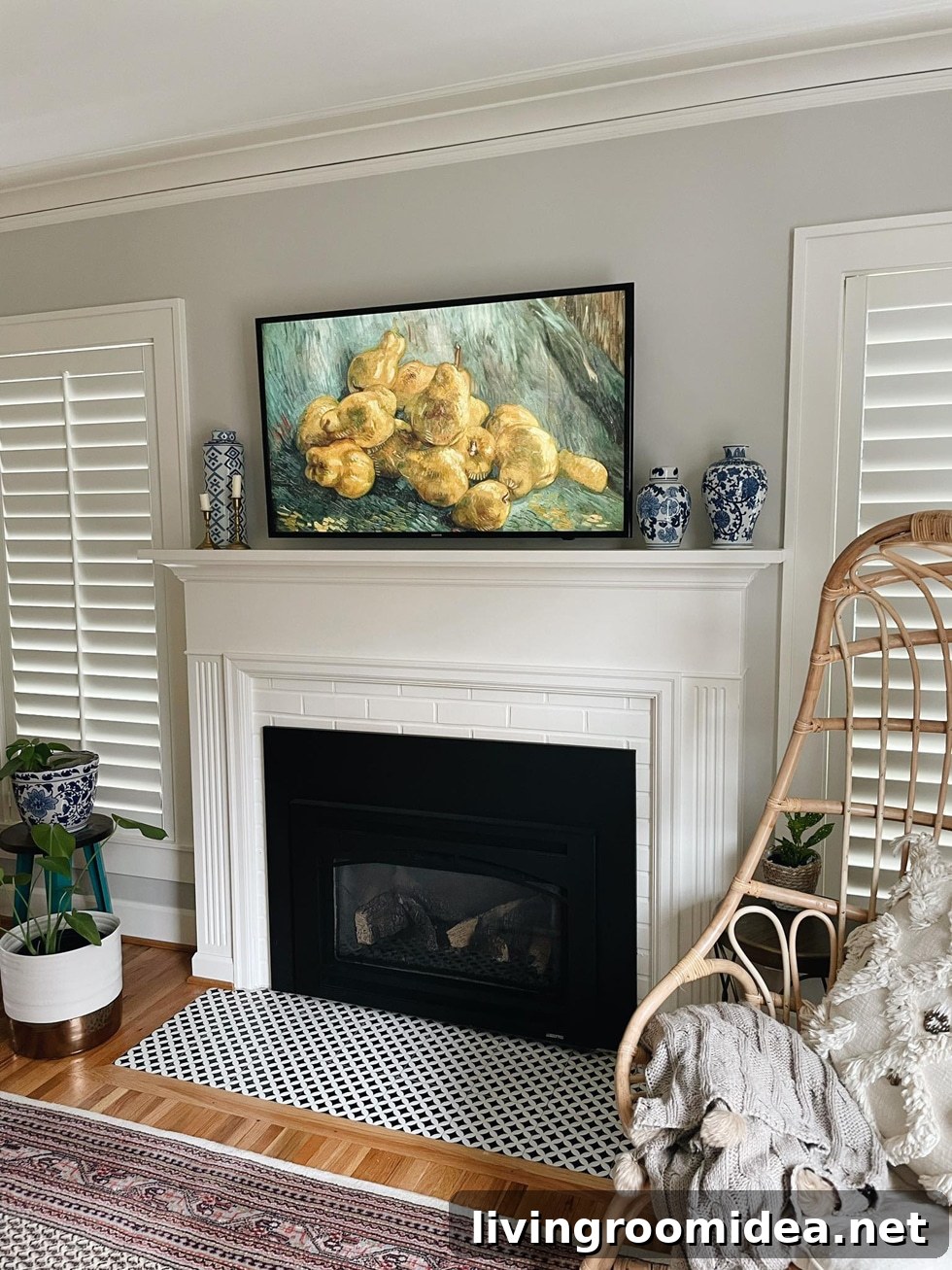
One limitation is that the Fire TV Stick can enter sleep mode after a set time, which stops the screensaver. There are straightforward workarounds to keep the screensaver visible longer or prevent sleep mode entirely by adjusting settings or applying a simple tweak. If you want the screensaver to run continuously, look into disabling sleep mode on the device or using settings that keep it active.
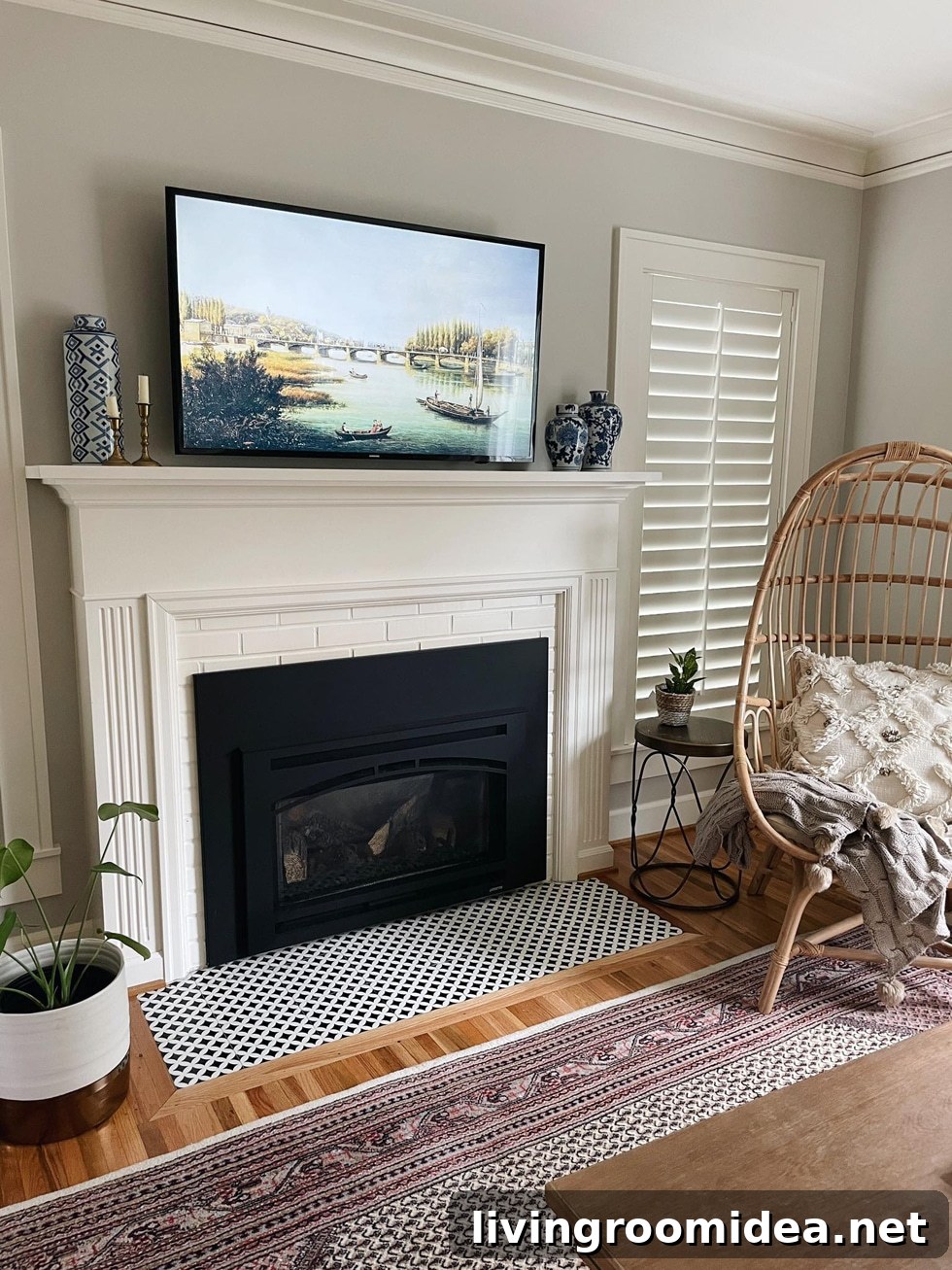
Beyond screensavers, there are creative DIY solutions for framing a TV so it resembles a piece of art. I’ve seen several DIY TV frame tutorials that add molding or a simple surround to soften the screen’s presence and make it feel intentional above a fireplace. My TV’s bezel is already fairly minimal, but I may try a frame project in the future. If you prefer a ready-made look, consider art downloads and a subtle frame to achieve that gallery feel without buying a specialty display.
If you try this trick, I’d love to hear how it looks in your space.
Pin the image below to save this idea for later.